
Categories
Tag Cloud
Block Messages from a Specific Email Address in Cpanel
Have you noticed a specific email that keeps on sending emails populating your inbox with Junk.
Its possible to block emails from a specific email address, this is done by adding an email filter in your cPanel. We have two options to go about this. One is to block a specific email from all your email accounts. Two is to block specific email from only one of your email account
To block a specific email from all of your email accounts:
1. Log in to cPanel.
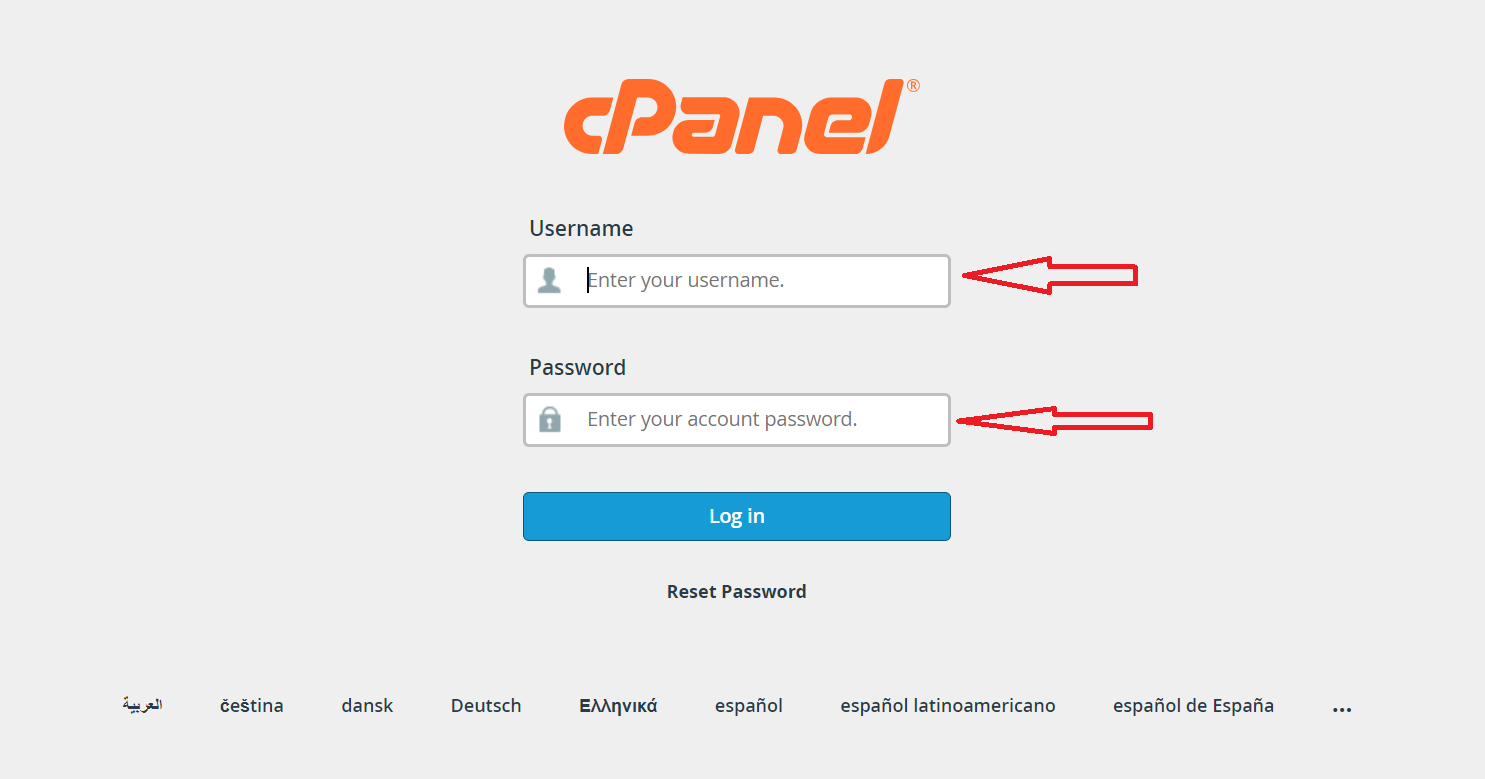 2. Search for Global Email Filters.
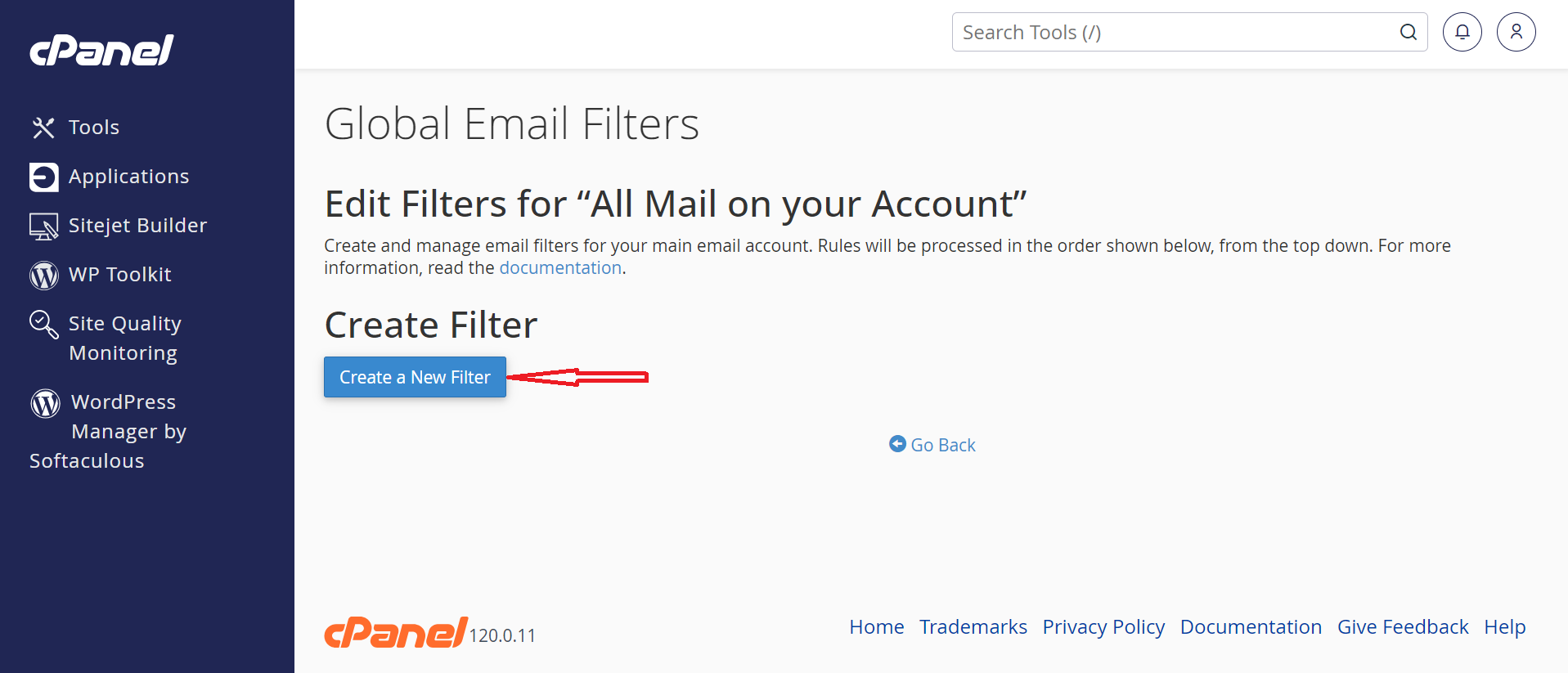
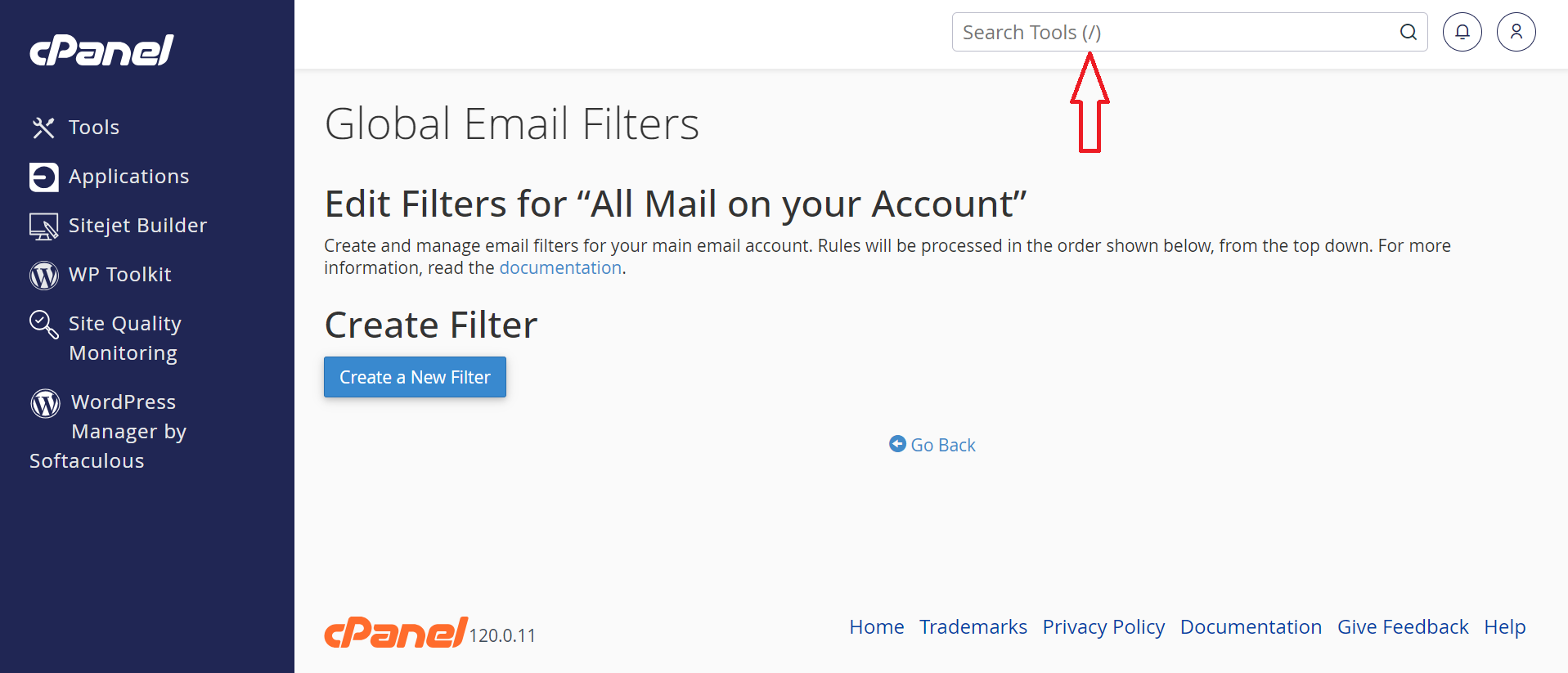 3. Under Create Filter, click on Create a new filter.
 4. Enter the following information:
- Filter Name: any name you wish to use(should be unique from anyothe that you created or you will create later).
- Under Rules: From - equals - EMAIL (EMAIL should be the address you wish to block).
- Actions: Discard Message.
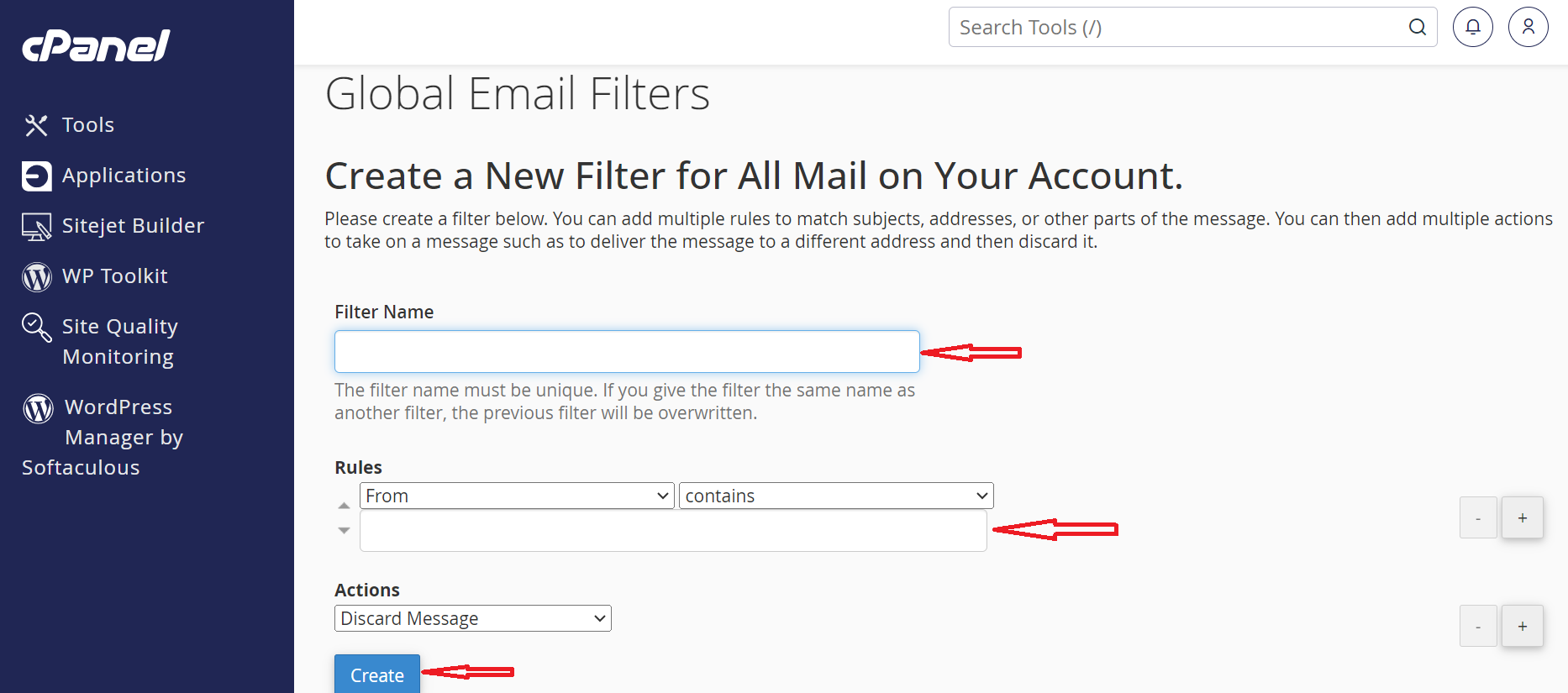 Click on Create.
To block a specific email from only one of your email accounts:
- Log in to cPanel.
- Under the section Mail, click on Email Filters.
- Next to the email address you want to affect, click Manage Filters.
- Under Create Filter, click on Create a new filter.
- Enter the following information:
- Filter name: any name you wish to use.
- Under Rules: From - equals - EMAIL (EMAIL should be the address you wish to block).
- Actions: Discard Message.
- Click on Create.
If you need specific help, contact our Support Team. or call us directly at +254105503412
Feel free to click the thumbs up below to help many others in need of similar solutions, thank you and God bless!
Have you noticed a specific email that keeps on sending emails populating your inbox with Junk.
Its possible to block emails from a specific email address, this is done by adding an email filter in your cPanel. We have two options to go about this. One is to block a specific email from all your email accounts. Two is to block specific email from only one of your email account
To block a specific email from all of your email accounts:
1. Log in to cPanel.
2. Search for Global Email Filters.
3. Under Create Filter, click on Create a new filter.
4. Enter the following information:
- Filter Name: any name you wish to use(should be unique from anyothe that you created or you will create later).
- Under Rules: From - equals - EMAIL (EMAIL should be the address you wish to block).
- Actions: Discard Message.
Click on Create.
To block a specific email from only one of your email accounts:
- Log in to cPanel.
- Under the section Mail, click on Email Filters.
- Next to the email address you want to affect, click Manage Filters.
- Under Create Filter, click on Create a new filter.
- Enter the following information:
- Filter name: any name you wish to use.
- Under Rules: From - equals - EMAIL (EMAIL should be the address you wish to block).
- Actions: Discard Message.
- Click on Create.
If you need specific help, contact our Support Team. or call us directly at +254105503412
Feel free to click the thumbs up below to help many others in need of similar solutions, thank you and God bless!



